Valdoria Online, the orcs vs. elves MMORPG, is free for Windows, and the download is small. All you need to play is its launcher: the first time, it downloads the game (about 1.9 GB), and from then on only what changes in each version. Here's everything you need to go from download to your first character: requirements, installation, the Windows warning, your account and your first settings.
- ~1.9 GB download
- ~2.3 GB installed
- 64-bit Windows 10 and 11
- 2 languages in one download
- €0 to play
Download the Valdoria launcher.Free · 64-bit Windows 10 and 11 · about 1.9 GB
Download Free for WindowsOn this page
How Much Space Valdoria Needs
Not much for a 3D online RPG: the first download is about 1.9 GB and, once installed, the game takes up about 2.3 GB on your drive. If you have a slow connection or a nearly full drive, that's good news: with about 2.3 GB free, you get the whole game.
The download section on the home page checks which version is the latest and tells you, right then, how big the launcher is and how much space the game takes up.
What You Need
- 64-bit Windows 10 or 11.
- A DirectX 12 graphics card.
- About 2.3 GB of free disk space.
- An internet connection: Valdoria is an online game.
Those are the only published requirements. For now, Valdoria is for Windows 10 and 11: there's no Mac, Linux or mobile version.
Install Valdoria in Three Steps
- Download the launcher. You'll find it in the download section on the home page. Unzip it into a folder; if you already have Valdoria, you can unzip it over your existing folder.
- Open Jugar.cmd. The launcher, ValdoriaLanzador, downloads the game the first time (about 1.9 GB) and sets it up in that same folder.
- Click Play. Choose your faction, race and class, and log in with your account, or create one right there in the game.
From then on, just open Jugar.cmd again whenever you want to play.
If Windows Warns About an Unrecognized App
The first time you open Jugar.cmd, Windows may warn you that the app is unrecognized. This is the warning Windows shows for programs it doesn't recognize yet. To continue:
- Click “More info”.
- Click “Run anyway”.
Always download the launcher from valdoriaonline.com. If you have any questions, ask on the community forum.
Updates: The Launcher Only Downloads What Changed
Every time you open Jugar.cmd, the launcher downloads only what has changed since your version. You don't have to download the full 1.9 GB again with every update or hunt for patches by hand: open it, let it catch up, and play.
And new content keeps coming: version 0.34.0 brought Hardcore Mode, and 0.35.0 brought the game in English. You can see what each version added in the news on the home page.
Everything That Fits in That Download
Those 1.9 GB hold the entire game:
- A world of 1,400 by 800 meters with more than eighty locations, six caves, Windrock Castle and the Dusk Fortress dungeon.
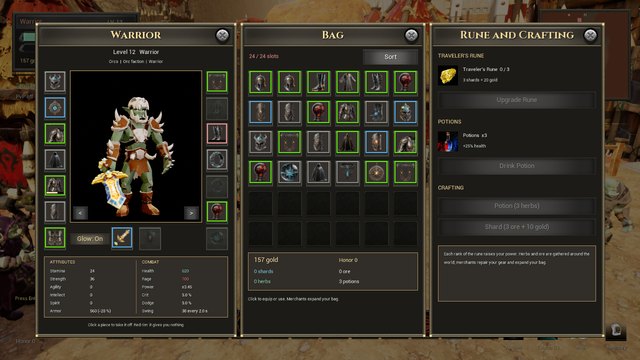
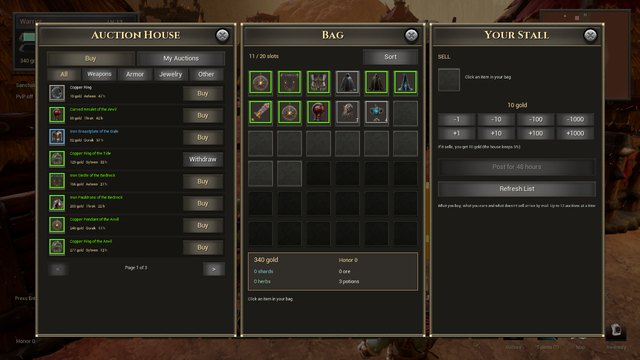
- 98 quests, 3,561 items and 51 creature types, including six world bosses.
- Two factions, ten races and five classes, each with 21 talents in three trees.
- Both game modes, Original and Hardcore, plus the Training Grounds for practice duels.
- Both languages, English and Spanish.
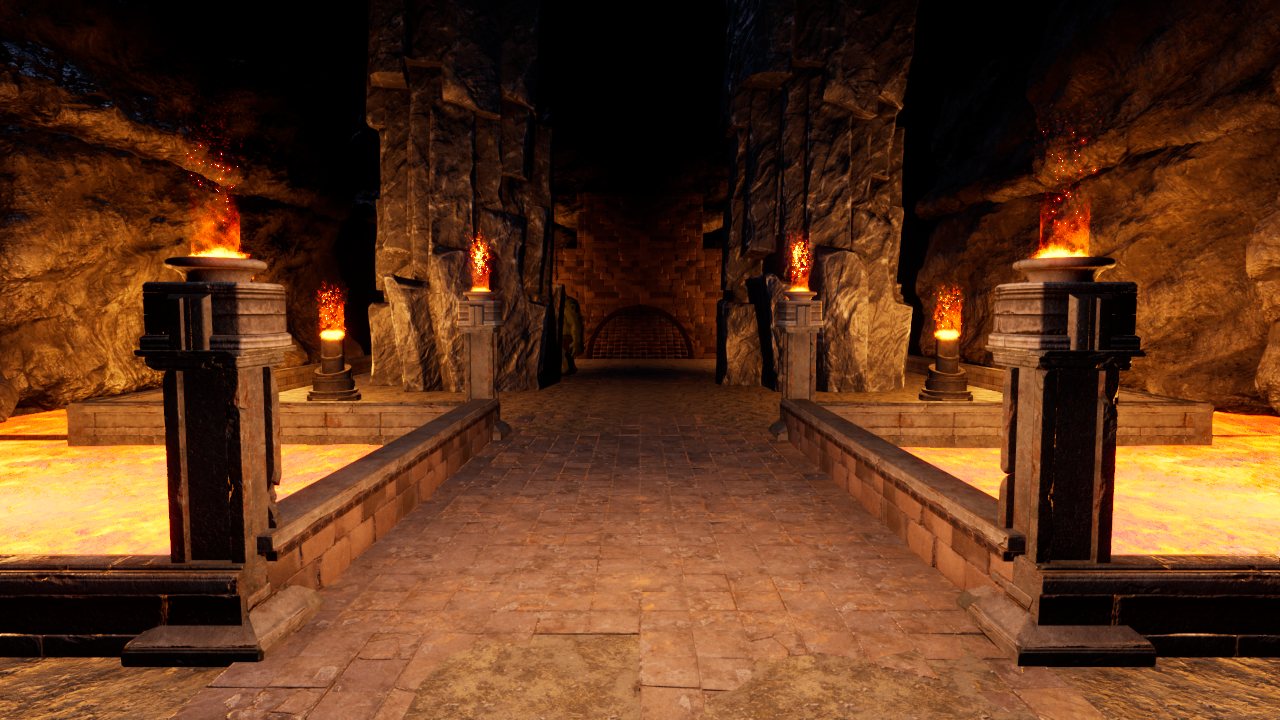
You can look up every item, ability, talent, creature and quest in the database, and see everything the game offers without paying a thing on our free MMORPG page.
Create Your Account, Here or in the Game
Your account keeps one character on the server for each class of every race you own, with their level, gold, bag, gear, talents and quests. You can create it on the home page while the game downloads, or in the game itself when you click Play.
- Name: 3 to 16 letters, numbers or underscores. It's the name other players will see.
- Password: at least 8 characters.
- Email: lets you recover your password if you forget it.
Once your account is set up, My Account shows each character's sheet: level, gear, abilities, talents and quests.
First Settings: Language, Controls and Controller
- Language. English and Spanish come in the same download: switch between them with the Language button in the main menu or the Esc window. Each player sees what happens in the world in their own language.
- Camera and movement. A and D move your character sideways; hold the left mouse button to orbit the camera, the right one to turn your character, and both at once to move forward. Clicks select, attack or interact with whatever you point at.
- Hotkeys. You get fourteen ability hotkeys per account, which can use key combinations and extra mouse buttons, and the server saves your changes.
- Controller. In the Controls window, you can map your attacks to a PS4 controller (via DS4Windows or Steam) and choose which abilities appear on your bar.
- AUTO mode. Turn it on and your last attack will repeat on its own as soon as it's ready again, as long as your target is still standing.
Already in? Continue with the beginner's guide or find out which class to play.
All set: grab the launcher and pick your side.Free · Windows 10 and 11 · about 1.9 GB the first time
Download Free for WindowsFrequently Asked Questions
How big is Valdoria?
About 1.9 GB to download the first time and about 2.3 GB once installed.
Is it free?
Yes. The whole game, from level 1 to 60 and in both of its modes, is free, with no subscription. The only paid content is six optional races, which give no advantage at all.
Does it run on Mac, Linux or mobile?
Not for now: Valdoria runs on 64-bit Windows 10 and 11 with a DirectX 12 graphics card. There are no other requirements.
Windows says it's an unrecognized app. What should I do?
Click “More info” and then “Run anyway”. Always download the launcher from this website.
Do I have to download the whole game again with each update?
No. The launcher only downloads what changes.
Is it on Steam?
Its Steam page is in preparation. For now, you can download it for free from this website.