You've just arrived in Valdoria Online, the free orcs vs. elves MMORPG, and you're not sure where to start. Don't worry: this guide takes you step by step, from the main menu to the level 60 zones, with everything you really need in your first hours. If it's your first MMORPG, it'll help you too.
- 60 levels
- 98 quests with a quest log
- 5 classes per side
- 21 talents per class
- 19 travel portals
- 16 gear slots
In This Guide
- Before You Log In: Account, Language and Mode
- Choose Your Side, Race and Class
- Your First Quests: Follow the Golden “!”
- Basic Controls and AUTO Mode
- Gear: Sixteen Slots, Durability and Repairs
- Getting Around: Map, Wolf Form, Portals and Inns
- Where to Level: Zones from 1 to 60
- Don't Play Alone: Groups, Guilds and Trading
- Frequently Asked Questions
Don't have the game yet? It's free Windows 10 or 11 (64-bit) · about a 1.9 GB download · create your account
Download Free for WindowsBefore You Log In: Account, Language and Mode
Download the launcher, unzip it into a folder and open Jugar.cmd: the first time it downloads about 1.9 GB, and after that only what changes in each version. If Windows warns you about an unrecognized app, click “More info” and then “Run anyway”. It's all explained step by step in how to download Valdoria. Then, three quick decisions:
- Your account. Create it on the website or right in the game. Your account name (3 to 16 letters, numbers or underscores) is what other players will see; your password needs at least 8 characters, and your email lets you recover it if you forget it.
- Language. The whole game is in English and Spanish, and you can switch with the “Language” button in the main menu or the Esc window.
- Mode. In the main menu you choose between Original Mode and Hardcore Mode, two separate worlds. To start, Original is the better pick: in Hardcore Mode you only get one life, and anyone who falls ends up in the Hall of the Fallen.
Choose Your Side, Race and Class
Valdoria pits two factions against each other, and each one starts in its own capital: the orcs in Redfang Bastion, in the Fang Moors; the elves in Moonveil Sanctuary, in Moonwood. Neither side is better than the other; what changes are their racials. Orcs get 1% more maximum health and Clan Fury (+5% damage and healing for 15 seconds); elves get a 1% higher chance to dodge and Moon's Gift (5% less damage taken for 15 seconds).
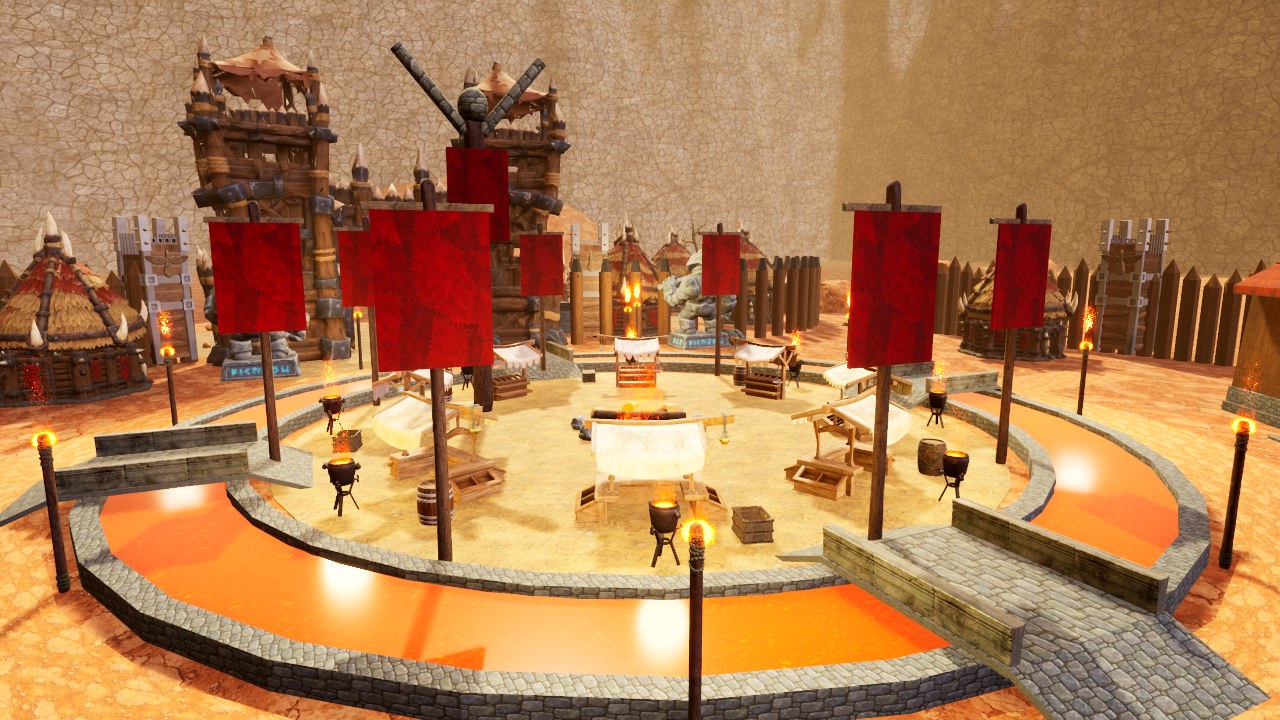
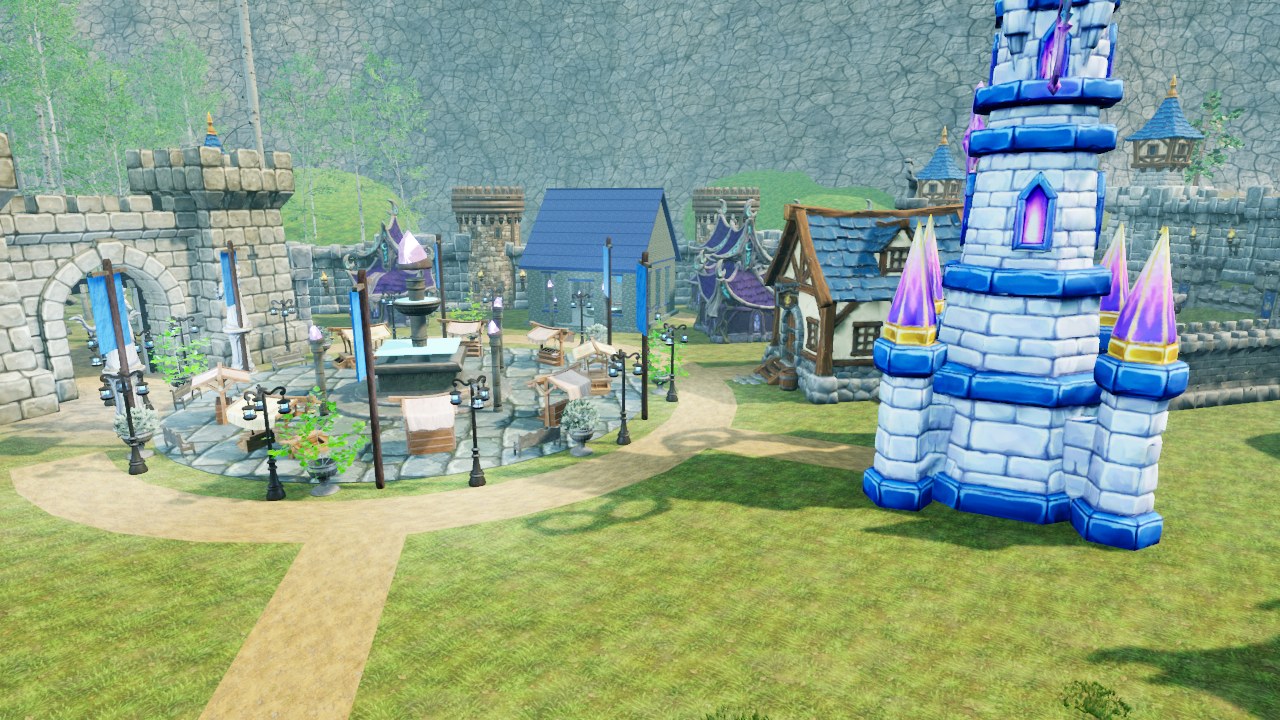
There are ten races. Orcs and elves are free; six others are optional paid races, each a one-time purchase per account that's yours forever (they're coming to Steam as DLC, and you can see them in the store); and the last two, the Veteran Orcs and the Veteran Elves, are earned by reaching level 60. They all share the same classes, and you can try any of them for free in the Training Grounds.
Each side has five classes, each with its own role:
- Tank (Bulwark for the orcs, Sentinel for the elves): takes the hits and draws the enemies' attention.
- Warrior (Warrior or Lunar Arcanist): fights in melee with rage and finishing blows.
- Rogue (Stalker on both sides): energy, combos and crits; stealth, stuns and slipping away.
- Healer (Priest or Druid): heals and protects allies at range.
- Caster (Warlock or Mage): high-damage spells and crowd control at range.
You don't have to get it right the first time: your account keeps one character for each class of every race you have, and the login screen shows each one's level. If you can't decide, read which class to play or compare the sides in orcs vs. elves.
Your First Quests: Follow the Golden “!”
Quests are how you level up. Follow the golden “!” in every city: accept the task, complete it and come back to collect experience, gold and, often, a piece of gear for your class. The quest log keeps track of everything you have in progress. There are 98 quests, from the first gnoll to the level 60 ancient wyrm, and these are the first ones:
- With the orcs, Thrak, the Bastion's scout, opens with “Plague on the Plains”: take down six gnolls prowling outside the gate. His chain ends at level 5 with “The Alpha”, which rewards a rare weapon for your class.
- With the elves, Sylwen, the Sanctuary's scout, starts you off with “Satyrs in the Glades”: six satyrs. Her chain ends with “Lord of the Glade”, which also rewards a rare weapon for your class.
- At level 3, your capital's merchant gives you “An Order for Crossway”: deliver it to Marta, the innkeeper of Crossway, the neutral village on the frontier. It's your first trip away from home.
- At level 5, each side's guide, Gorak for the orcs and Aelwen for the elves, sends you off to explore the Sun Ruins or High Moonwood.
Want to see every quest with its level and reward? They're all in the database.
Basic Controls and AUTO Mode
A and D move your character sideways, turning to face the direction you walk; the left mouse button orbits the camera, the right one turns your character, and holding both moves you forward. Clicks select, attack or interact with whatever you're pointing at.
You get fourteen ability keybinds per account, with key combinations and extra mouse buttons, and the server saves your changes; movement, jumping and the interface keep their reserved keys. The Controls window explains what each ability does and reminds you of the wolf form key, X. Prefer a controller? Under Settings · Controls you can map your attacks to a PS4 controller (for example, via DS4Windows) and choose which abilities appear on your bar.
And here's a tip for your first fights: AUTO mode. Turn on the AUTO button and the last attack you used will repeat on its own as soon as it's ready again, as long as your target is still standing. That leaves your hands free to move, watch your health or use another ability. New abilities arrive as you level up, from 1 to 48, and each class has 21 talents split into three trees of seven.
Gear: Sixteen Slots, Durability and Repairs
Your character has sixteen gear slots, shown around their avatar in the character window. Each class has its own armor and weapon: a sword for the warrior, a greatsword for the tank, a dagger for the rogue, a crozier for the healer and a staff for the caster. Weapons each have their own rhythm, and the model in your hand changes with the type, quality and level of the one you equip; rare and epic weapons even glow.
If you're not sure what something is for, check its description: it starts by telling you what it is (weapon, armor, accessory, consumable or junk to sell) and where it's equipped. Gear wears down and needs repairing, and every city has merchants. To check everything without launching the game, go to My Account: you'll see each character's sheet with their level, gold, gear with stats and durability, abilities, talents, quests, bag and bank.
Getting Around: Map, Wolf Form, Portals and Inns
The world measures 1,400 by 800 meters and has more than eighty places to discover, so the map will be your best friend. Your position is a big arrow pointing where you're facing, with a “you are here” marker and the zone name, and hovering the mouse over it shows you what's at each spot, how many meters away and in which direction. There's a minimap too.
- Wolf form. From level 10, the X key turns you into a wolf to roam the realm.
- Travel portals. There are nineteen runestones across the realm. When you reach one, it awakens for your character, and from any portal you've discovered you can travel to the others in five seconds. The other faction's runestones won't respond to you.
- Inns. In Crossway, Windharbor and the Dawn Refuge you can step inside the inn: a bar, tables, a fireplace and a gallery with beds. Each capital also has its own hall.
And keep an eye on the sky: a day in Valdoria lasts 48 minutes, and night falls at 22:00.
Where to Level: Zones from 1 to 60
The realm is laid out by level. Broadly speaking, this is the route:
- Levels 1 to 15: Fang Moors or Moonwood. The home lands of each capital: gnolls, bandits and ogres in the orcs' red earth; satyrs, skeletons and werewolves in the elves' forest. Each has its own cave: the Jackal Mine in the moors and the Trickster's Grotto in the forest.
- Levels 6 to 16: Twin Roads Frontier. The disputed land between the two realms, home to Crossway, a neutral village whose merchants serve both sides; beyond its streets, PvP rules. Here you'll find the gate to the Dusk Fortress, the five-player dungeon, and two world bosses: the Magma Giant (12) and the Scaleborn (15).
- Levels 16 to 35: Eastern Lands. Beyond the East Pass lie ten zones, from the Plateau of Winds to the Ossuary, with Windharbor as a haven for both sides and Windrock Castle (29 to 33) looming above it. At the end, the Colossus of the Gales (35) awaits in the Dawn Peaks.
- Levels 36 to 60: Peaks and Ash. Past the Dawn Gate, frost to the north and fire to the south: ten zones, the Dawn Refuge, a forward camp for each faction and the last world bosses, Morvhal (48), Kaldrath (60) and Vorathar, the Dusk (60).
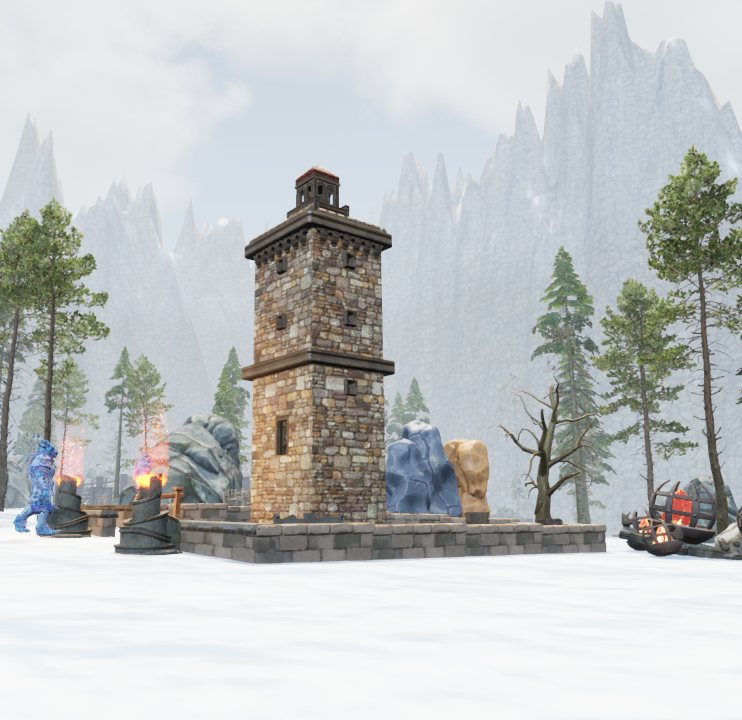
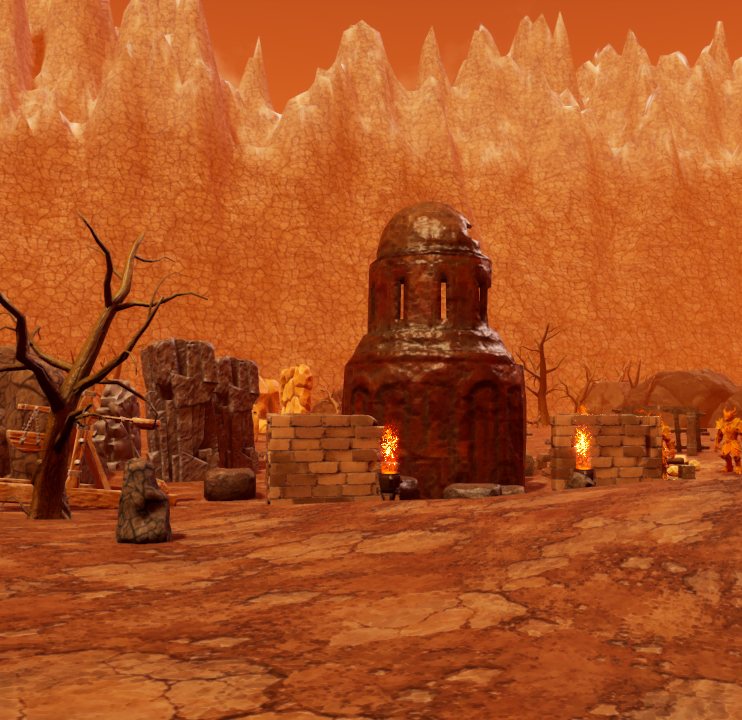
Quests lead you from one region to the next. At level 15, Bruno, the Crossway village guard, sends you to the Pass Lookout with “Rumors from the East”; at 17, “The Road to Windharbor” introduces you to Captain Varek; and at 35, “Beyond the Peaks” takes you to Commander Hrolf in the Dawn Refuge. When any character of your faction reaches level 60, your account unlocks the Veteran Orcs or the Veteran Elves forever. The group challenges for each stretch are covered in dungeons and world bosses.
Don't Play Alone: Groups, Guilds and Trading
Valdoria is at its best with company. Groups hold five players and share experience; there are guilds, a friends list, general and trade chat and whispers, and the English chat commands (/who, /whisper, /party, /guild, /invite…) work alongside the Spanish ones. For trading, you have a bank, face-to-face trades, mail with gold and items, and an auction house shared by both factions.
If player combat calls to you, on the frontier you can turn on faction combat and earn honor, and no one more than five levels away from you can attack you. To practice risk-free, there's the Training Grounds: nothing that happens there affects your character. Questions? Ask in the community forum, and if you're bringing your crew, read how to play with friends.
Frequently Asked Questions
What do I do if I get lost?
Open the map: an arrow shows where you are and which way you're facing, and hovering the mouse shows you what's at each spot, how many meters away and in which direction.
How do I travel faster?
With wolf form (X key) from level 10, and with the 19 travel portals: from any one you've discovered, you can travel to the others in five seconds.
Where can I rest?
In the inns of Crossway, Windharbor and the Dawn Refuge. In Hardcore Mode, it's also wise to log out in an inn or a city: anywhere else, your body stays in the world for a few seconds.
What is AUTO mode?
A button that repeats your last attack as soon as it's ready again, as long as your target is still standing.
How do I change the language?
With the “Language” button in the main menu or the Esc window. The whole game is in English and Spanish.
Can I play with a controller?
Yes, with a PS4 controller (for example, via DS4Windows). You set it up under Settings · Controls.
Your first quest awaits in your faction's capital Free for Windows 10 and 11 (64-bit) · about a 1.9 GB download · create your account
Download Free for Windows